Set Up Load/Dispatch/Quote List
Set Up Load/Dispatch/Quote List
1. Navigate to https://dieseltms.com/home/index
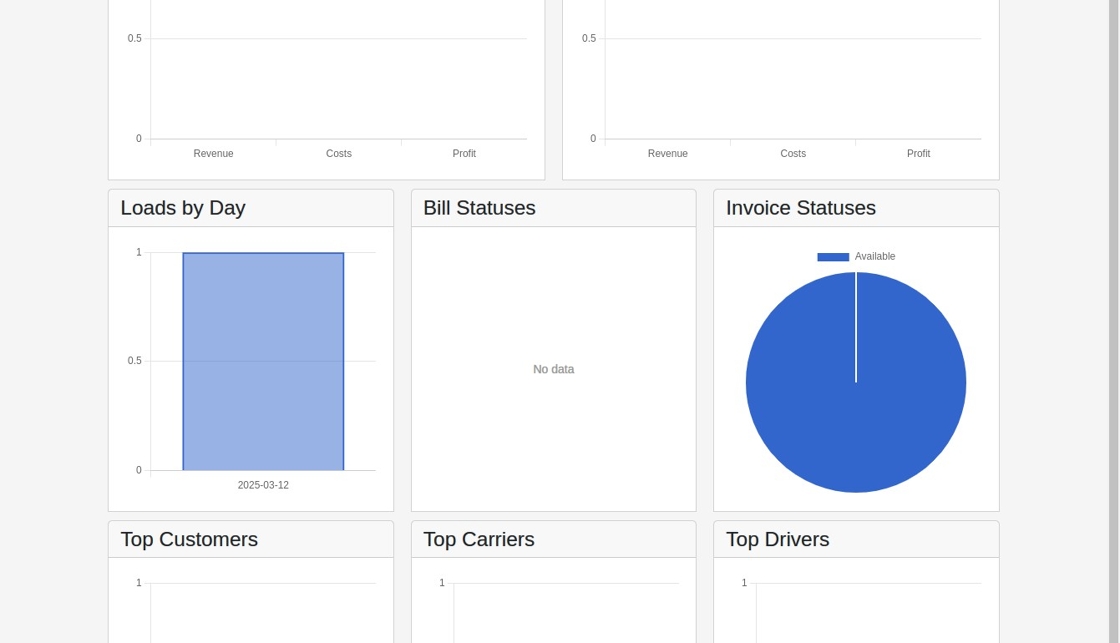
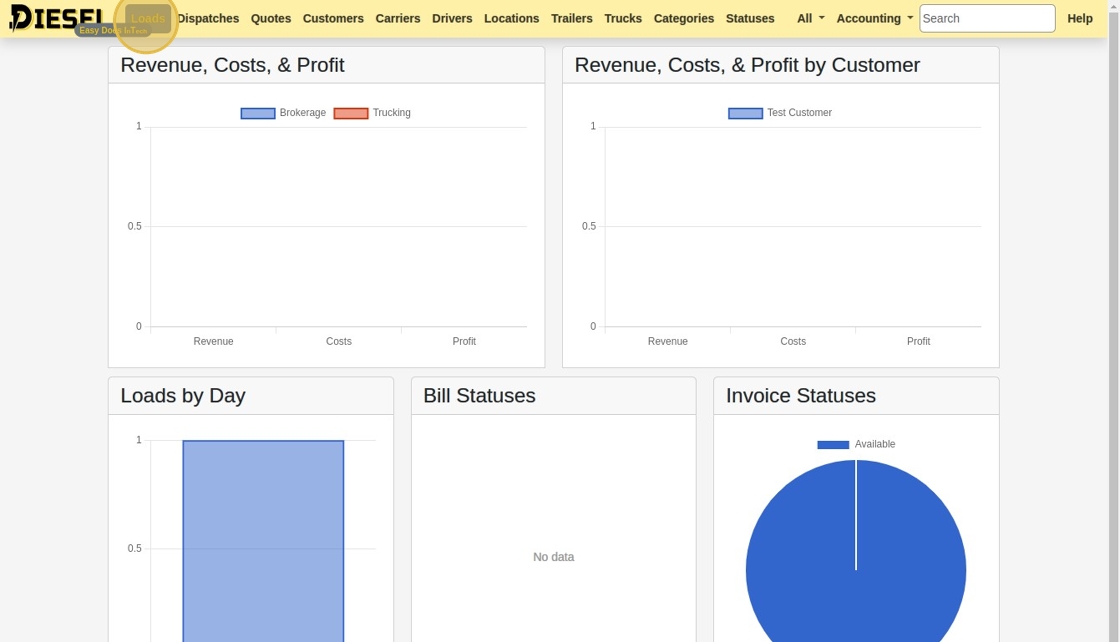
2. Click "Loads"
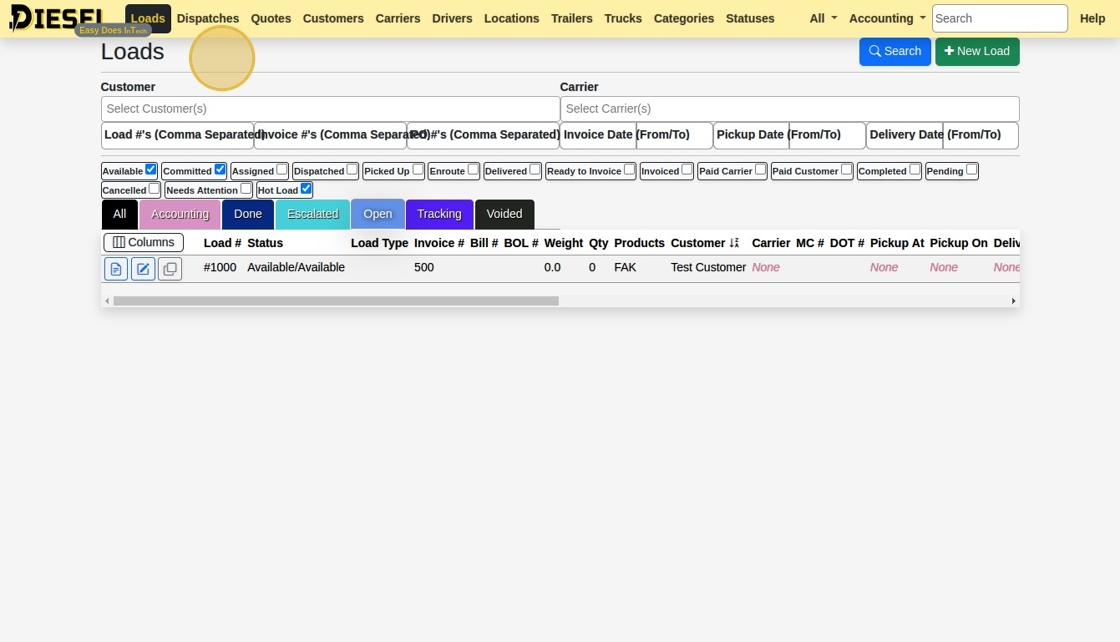
3. Observe that there are Statuses (with Checkboxes) and Categories (the tabs below)
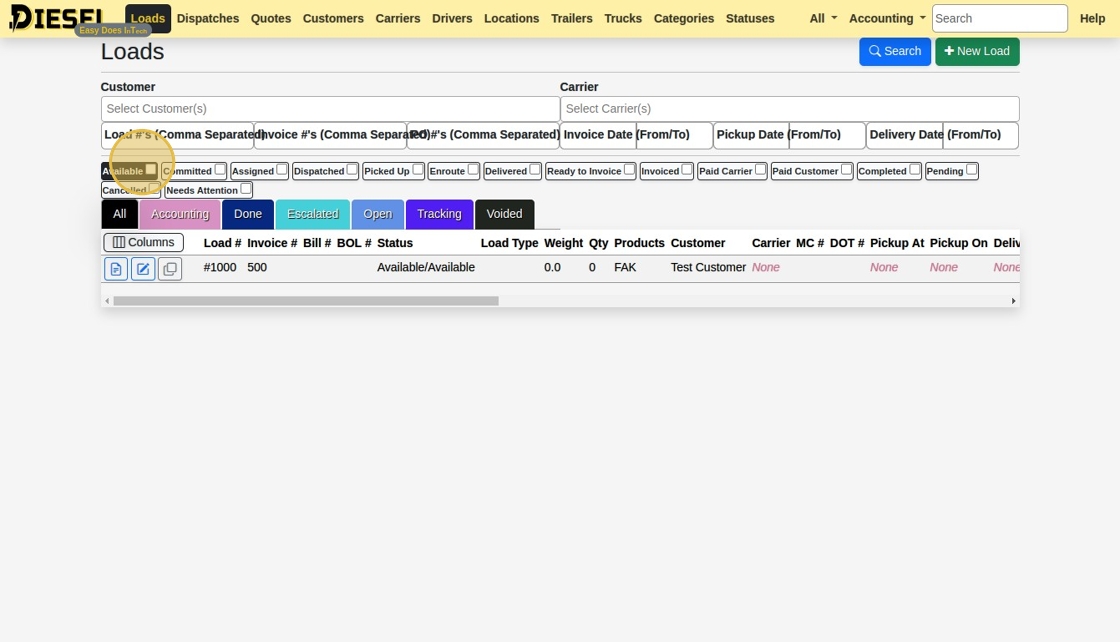
4. You can select or deselect any status or category.
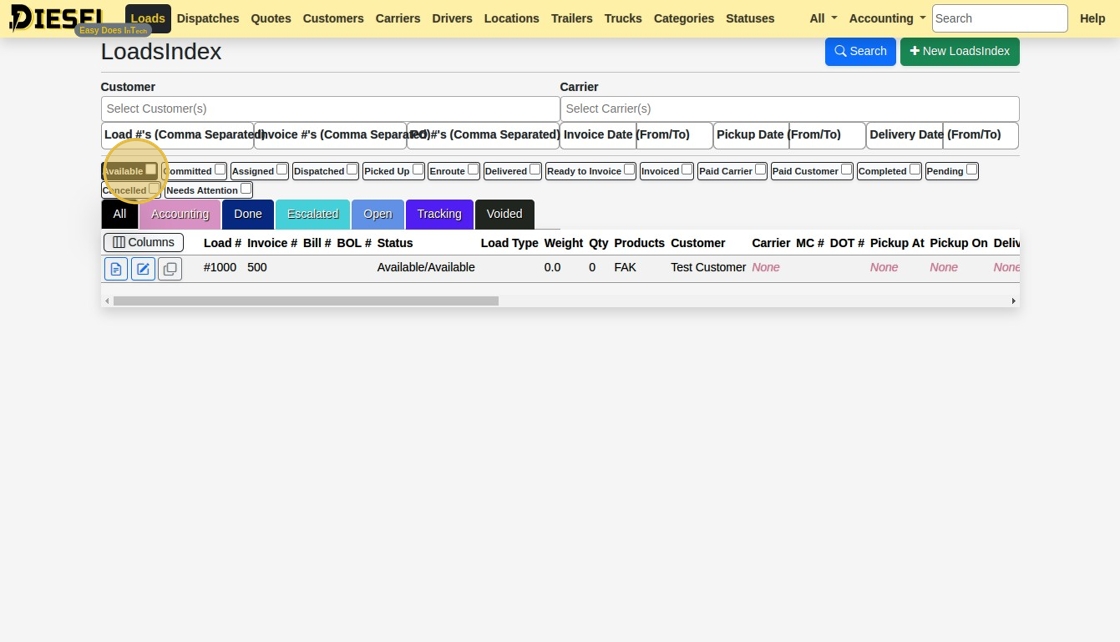
5. Let's add a New Status.
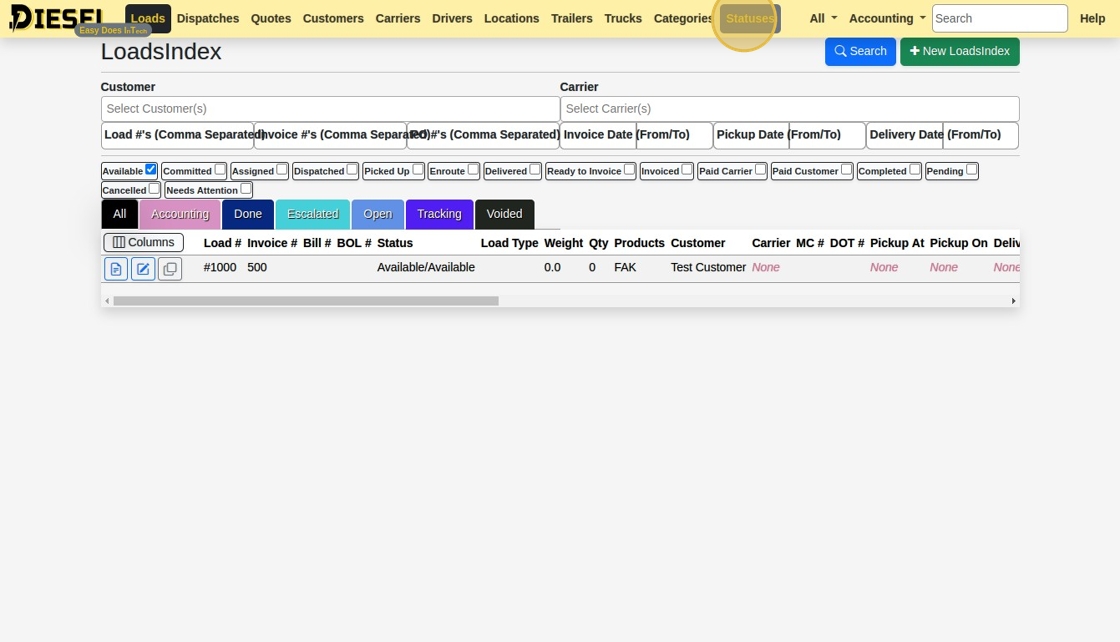
6. Click "New Status"
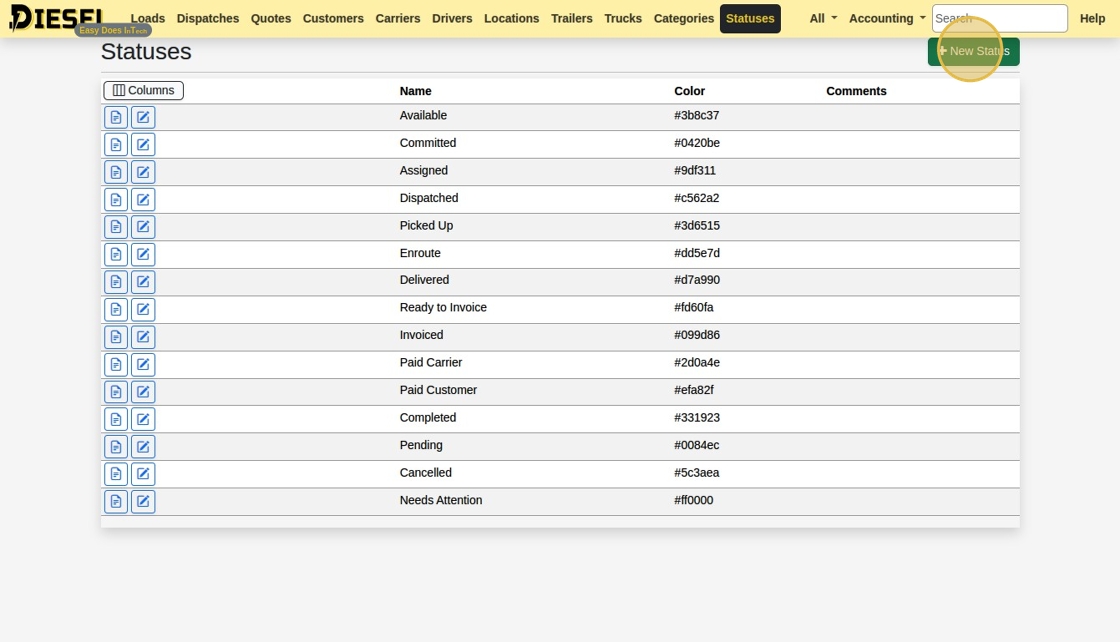
7. Let's create a new Status named "Hot Load" and make it's color Red.
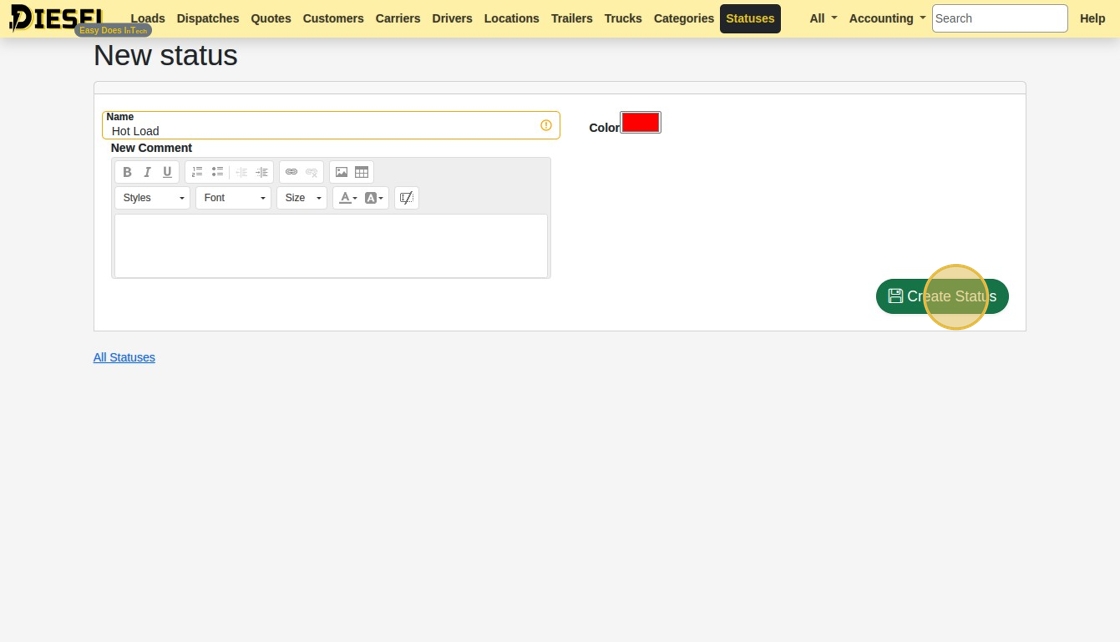
8. Next, open Categories.
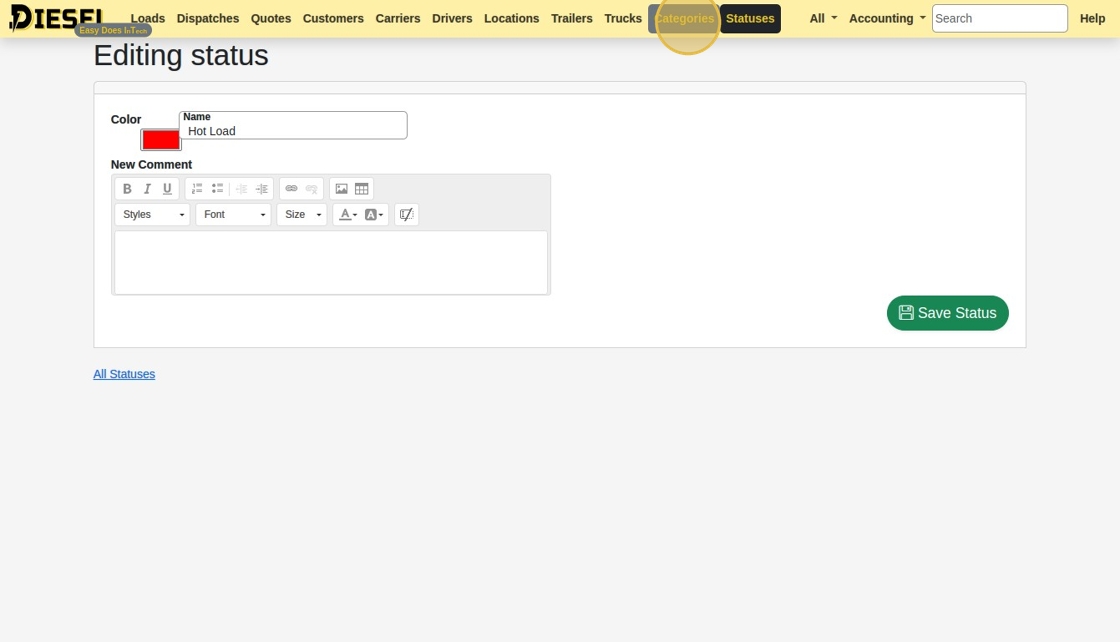
9. Let's add it to the "Open" Category.
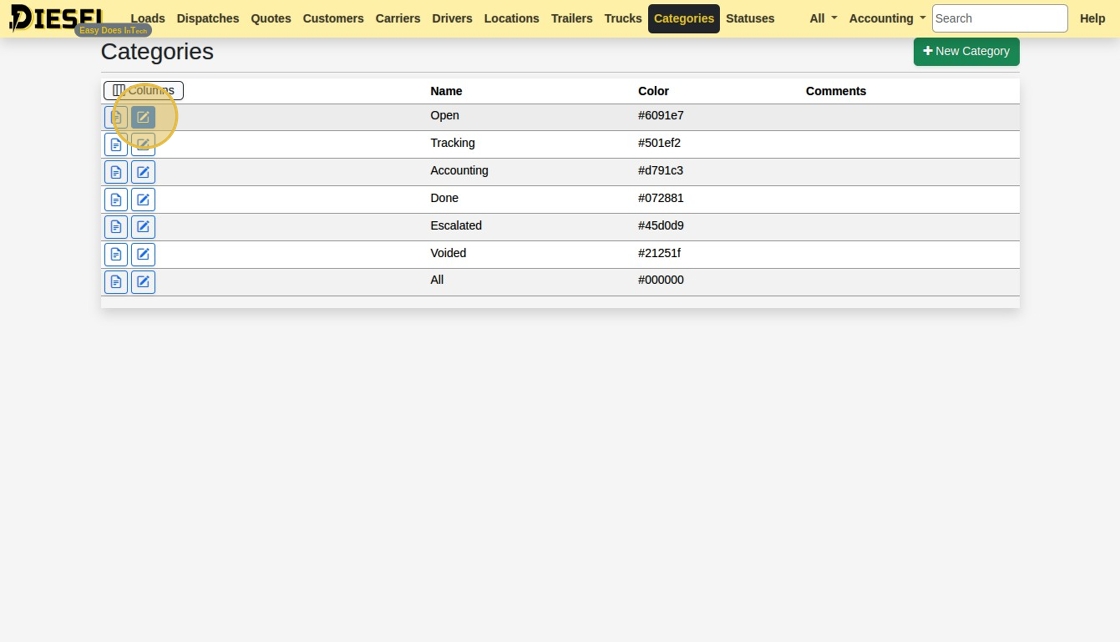
10. Select "Hot Load" from the Statuses dropdown.
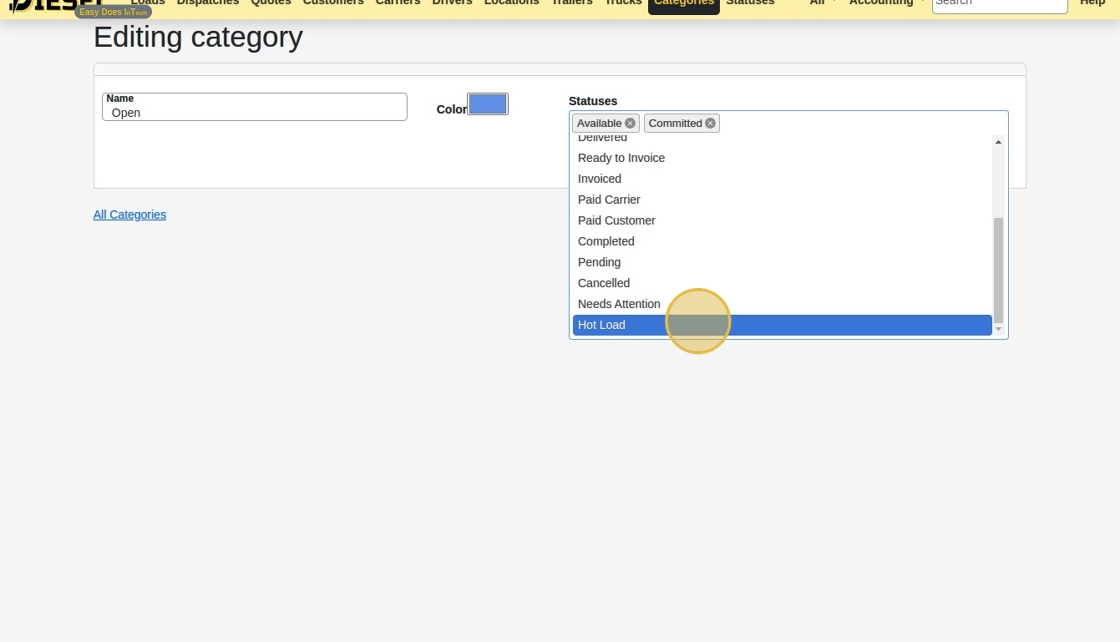
11. Click "Save Category"
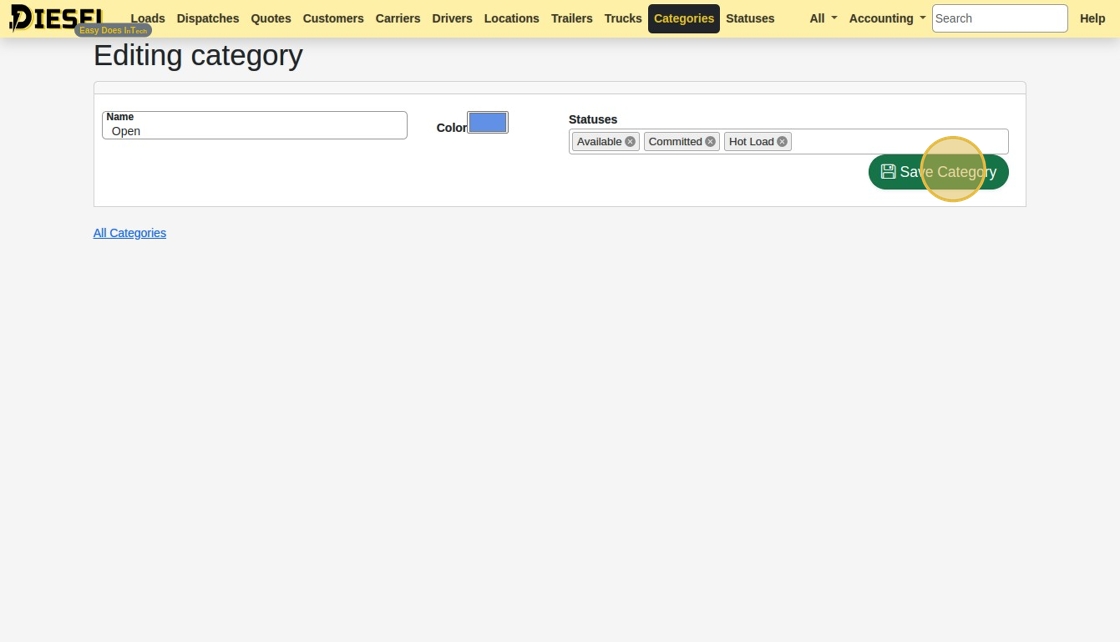
12. Click "Loads"
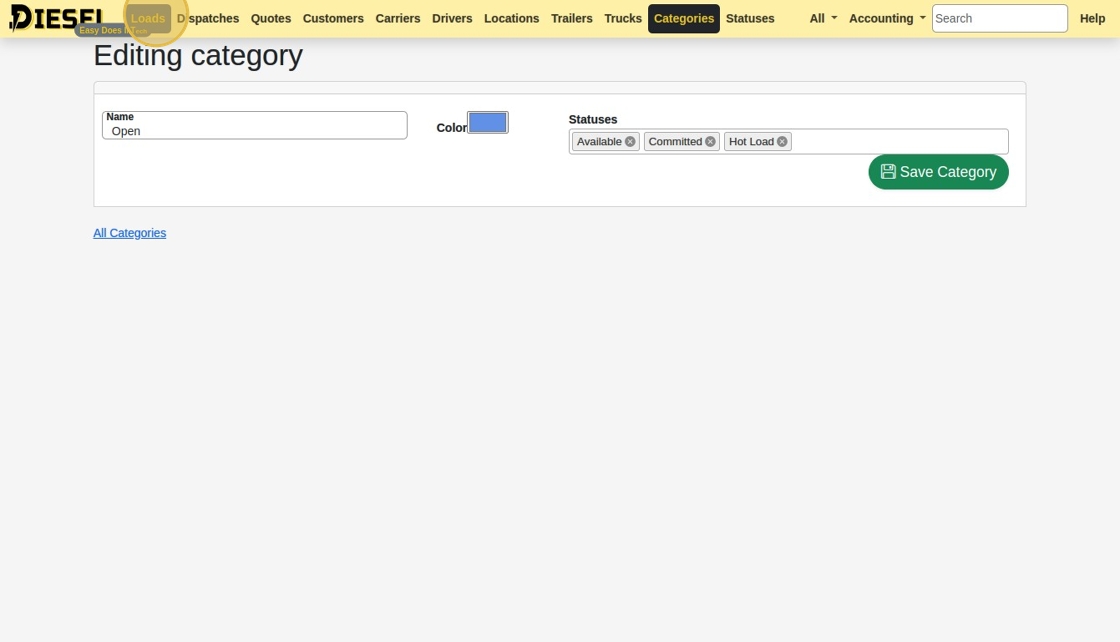
13. The "Hot Load" Status has been added to the list of Statuses. Clicking the "Open" Category Tab displays loads with only the associated Statuses.
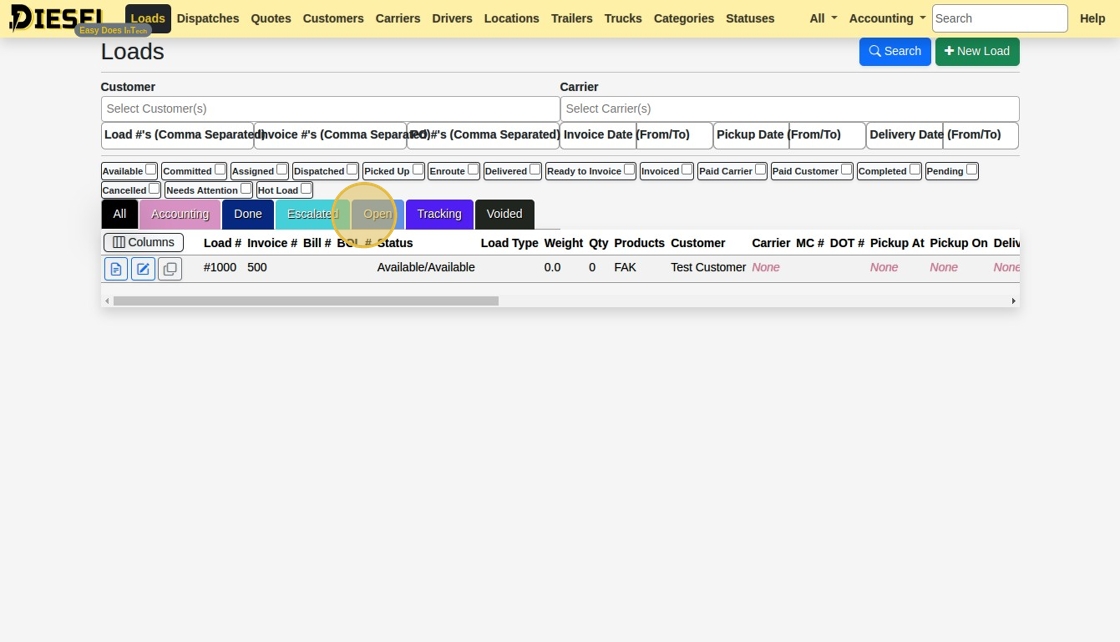
14. Changing the Category also changes the selected Statuses.
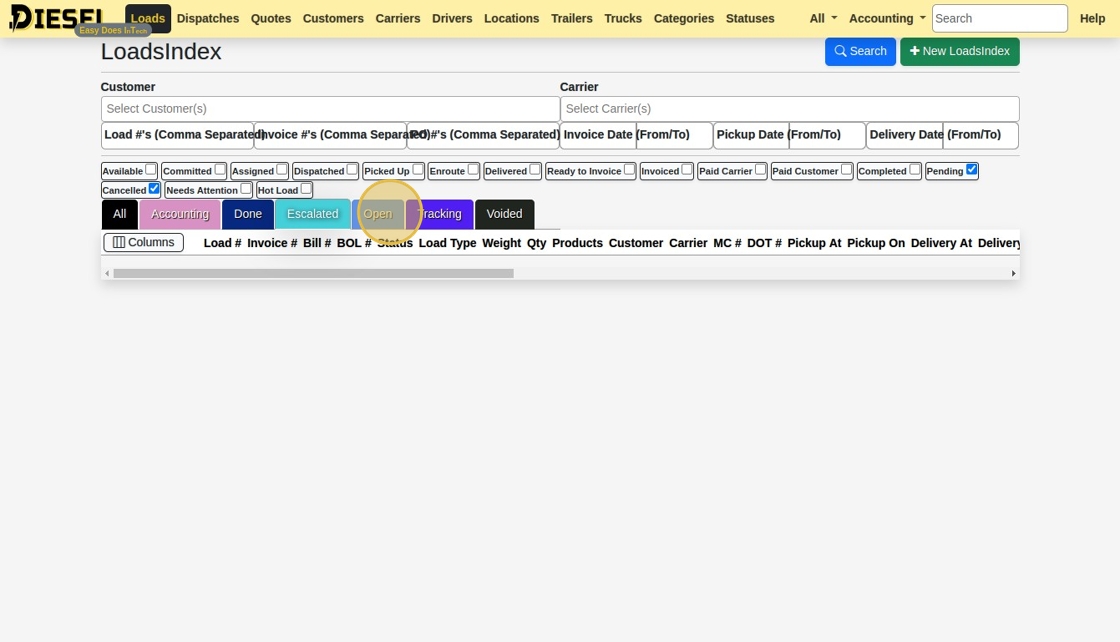
15. Click "Columns" to open the Column Selection dialog.
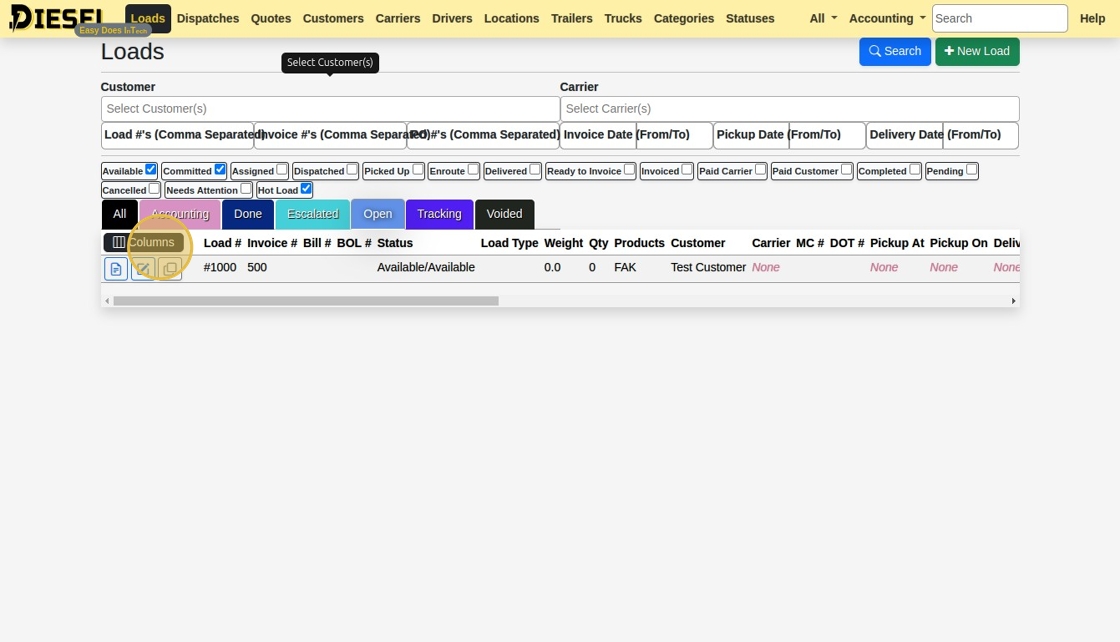
16. Add, Remove, and Reorder the columns in the table. This will only apply to you.
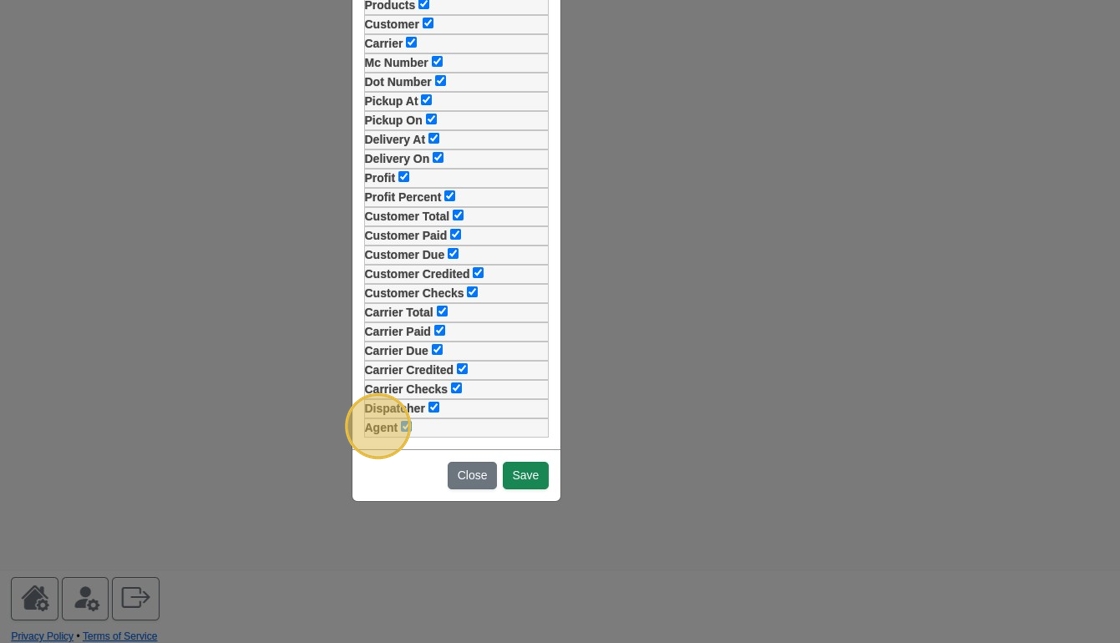
17. Remember to Save!
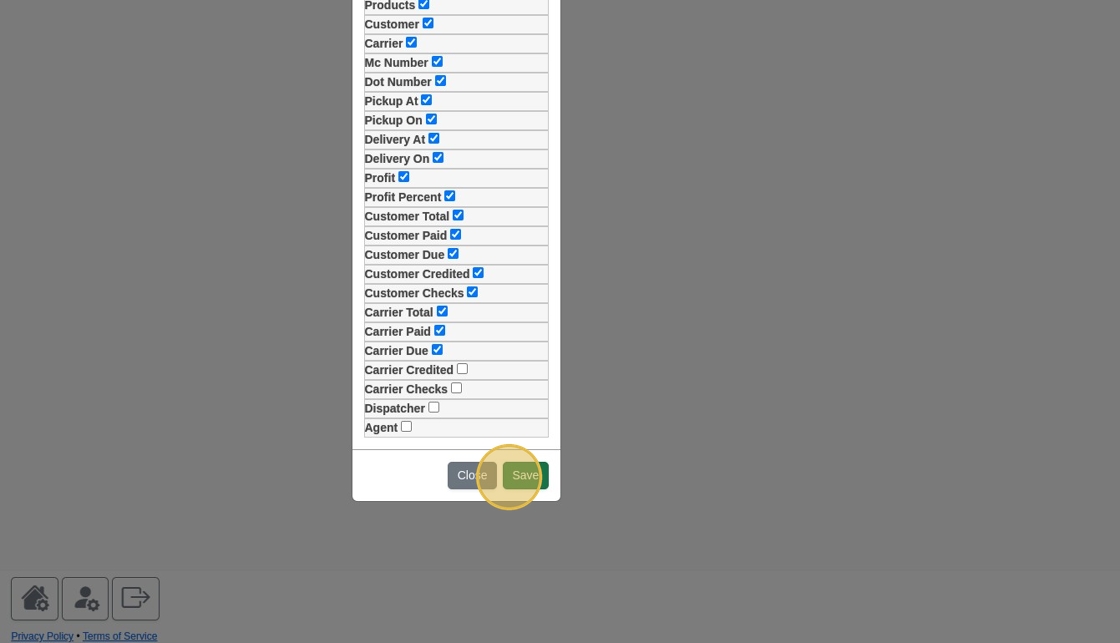
18. You can also sort any column by Ascending...
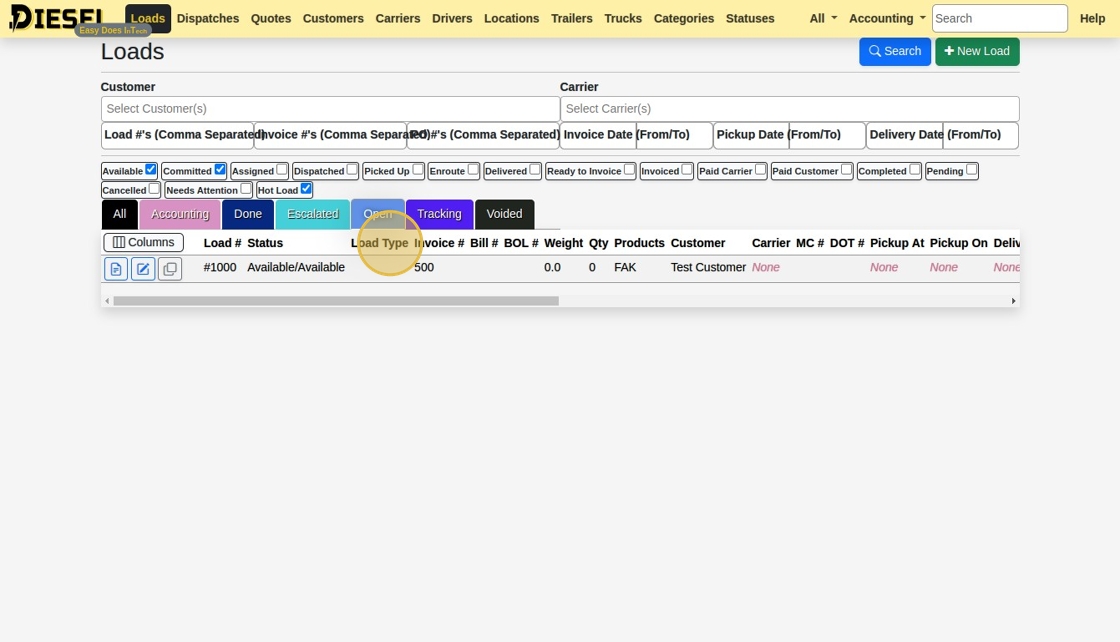
19. ...or Descending
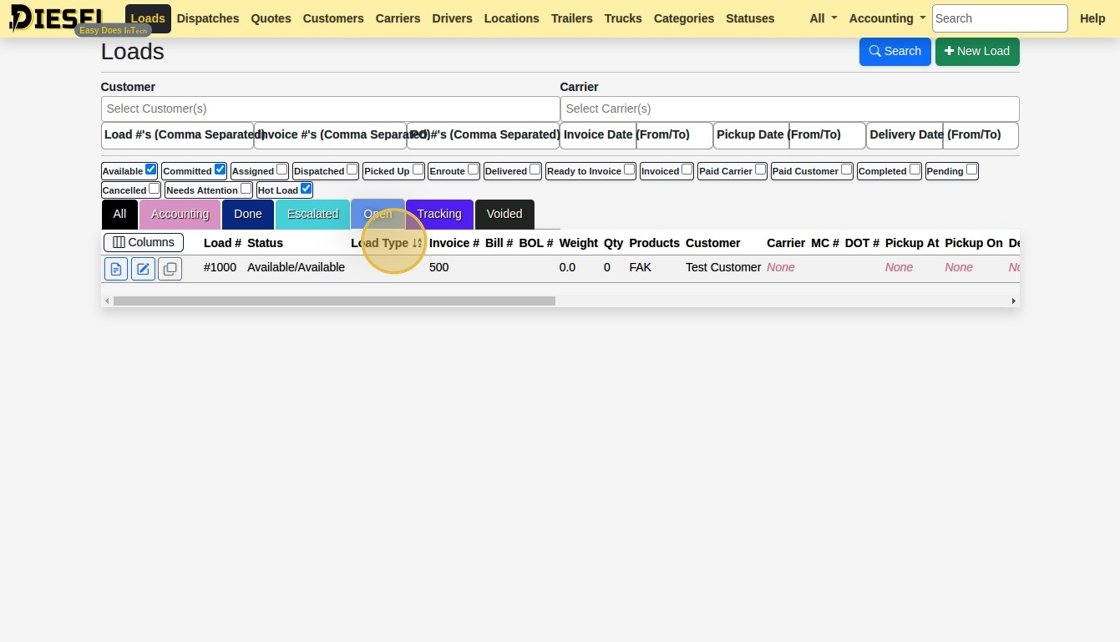
20. Now, you can leave and come back to the Loads page.
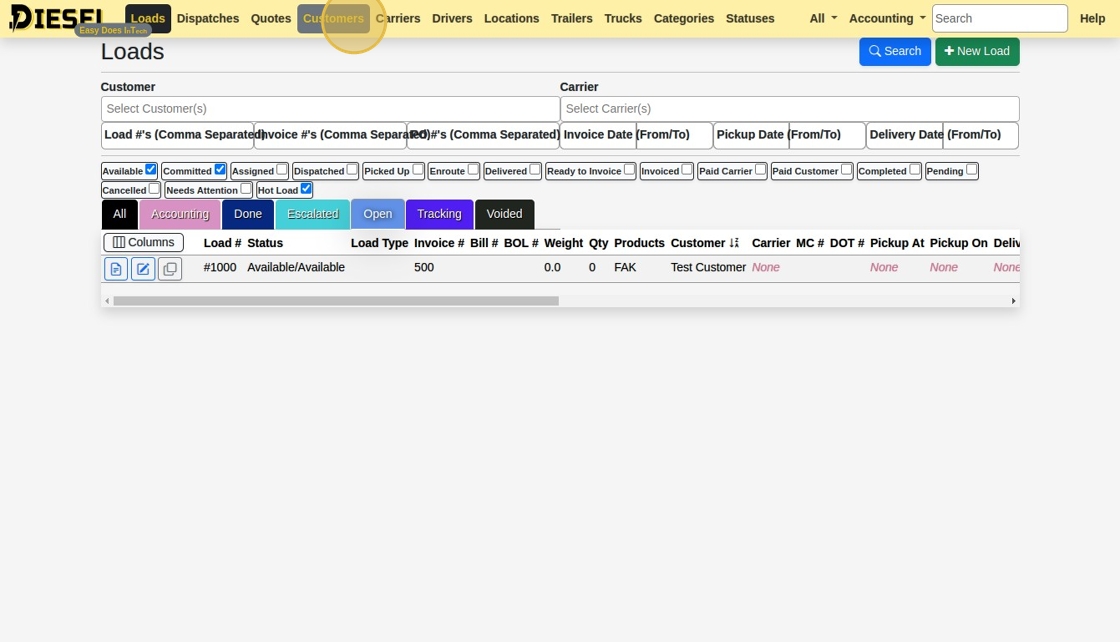
21. Click "Loads"
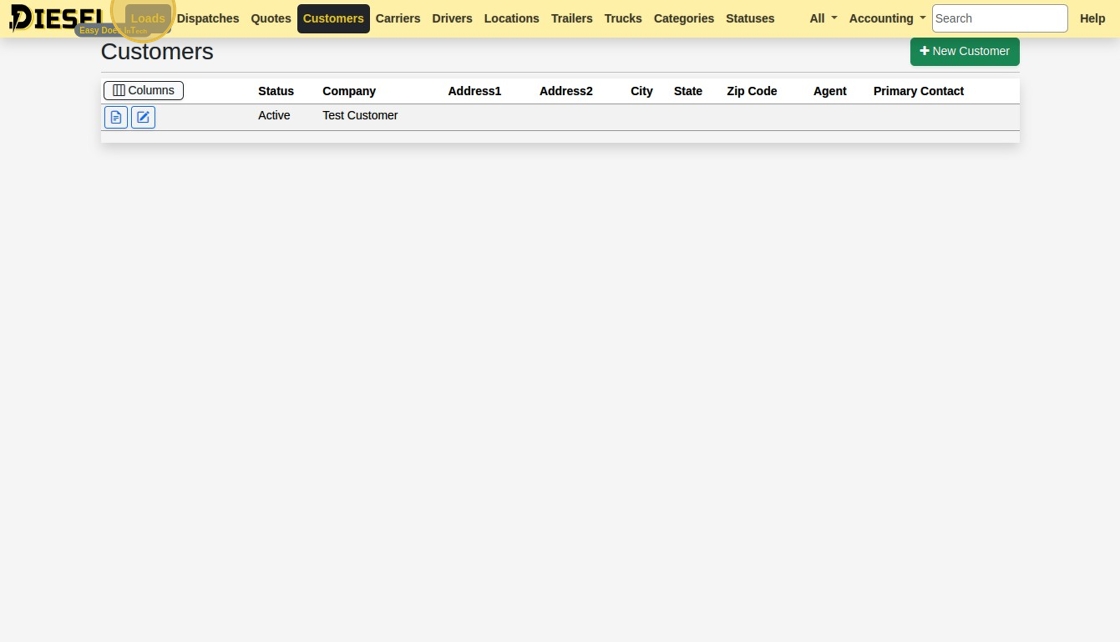
22. You'll notice that the last used options (columns, sorting, statuses) will always be retained.
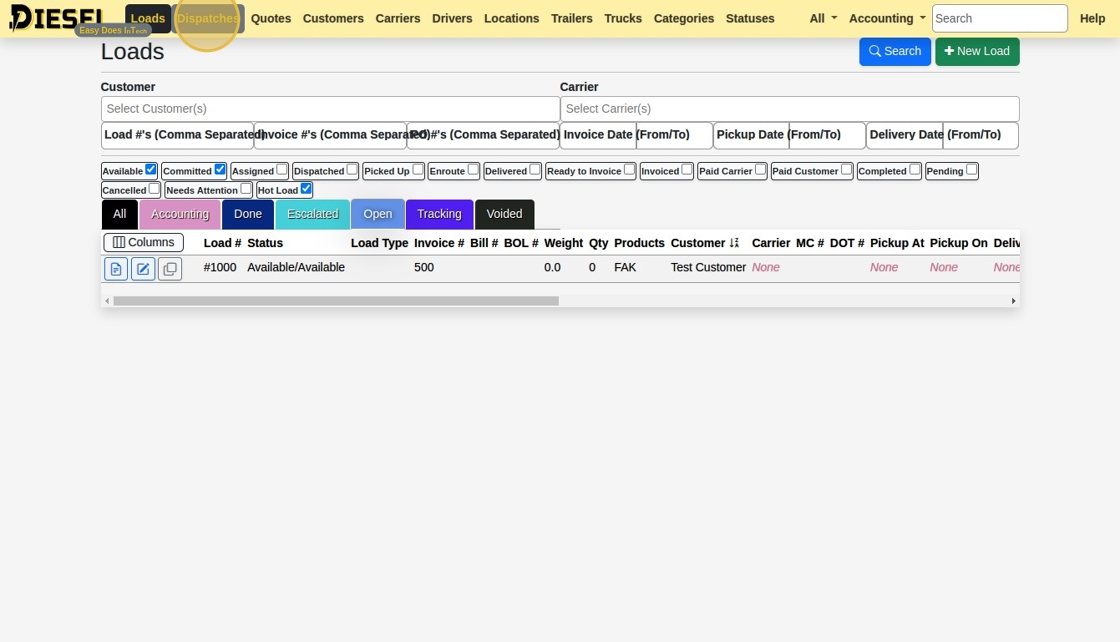
23. You can do all the exact same thinigs with "Dispatches"...
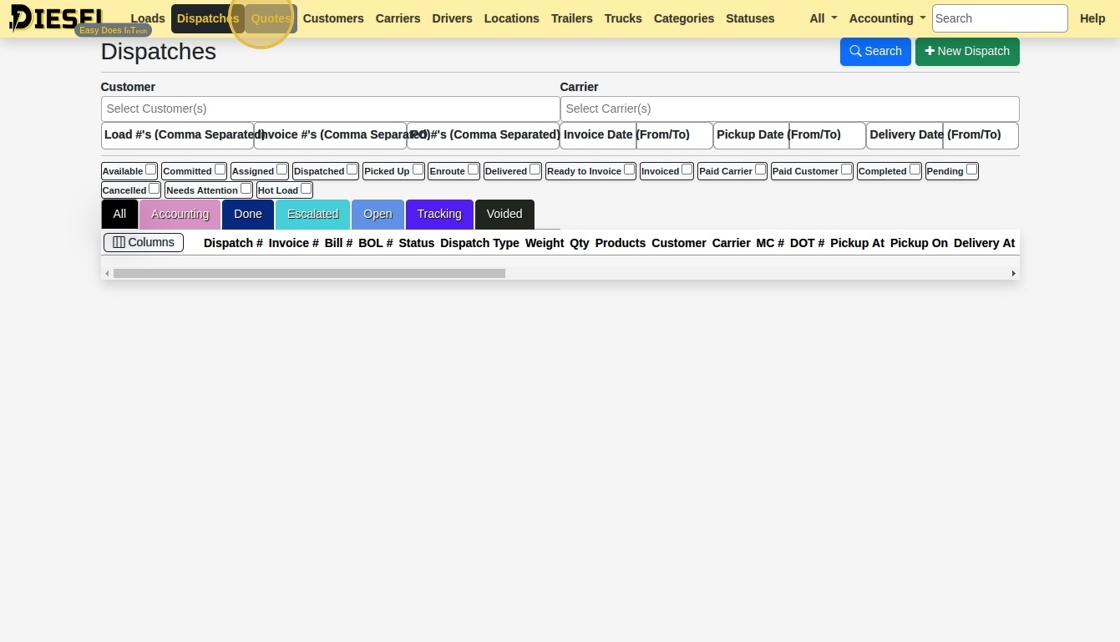
24. As well as "Quotes"!
Related Articles
Searching the Load/Dispatch/Quote List
Searching the Load/Dispatch/Quote List 1. Navigate to https://dieseltms.com/loads 2. Click here to see dozens of examples of how to use the Search feature. 3. Clicking any of the examples will insert the value into the Search Field 4. You can combine ...Calculate Miles on a Load / Quote
Calculate Miles on a Load / Quote 1. Open the Load you would want to add miles to. 2. Ensure the Load has at minimum a Shipper Address, a Receiver Address, and the Load has accurate Weights & Dims. (As shown below) 3. Click "Miles". The Load will be ...Building a Load & Sending a Rate Con
Building a Load & Sending a Rate Con This guide offers a straightforward, step-by-step approach to building a load and sending a rate confirmation using Diesel TMS. 1. Navigate to https://dieseltms.com 2. Click "Loads" 3. Click "New" 4. Select a ...How to Perform Complex Searches
Searching the Load/Dispatch/Quote List 1. Navigate to https://dieseltms.com/loads 2. Click here to see dozens of examples of how to use the Search feature. 3. Clicking any of the examples will insert the value into the Search Field 4. You can combine ...Sending, Receiving, and Signing a Signature Request / Onboard
Sending, Receiving, and Signing a Signature Request / Onboard 1. Navigate to https://dieseltms.com 2. Click "Log In" 3. Click "Onboards" 4. Click "New" 5. Select the "Rate Confirmation" option. Tip: You can design your own PDF Templates to use when ...