Navigating in Diesel TMS
Navigating in Diesel TMS
1. Navigate to https://dieseltms.com/home/index

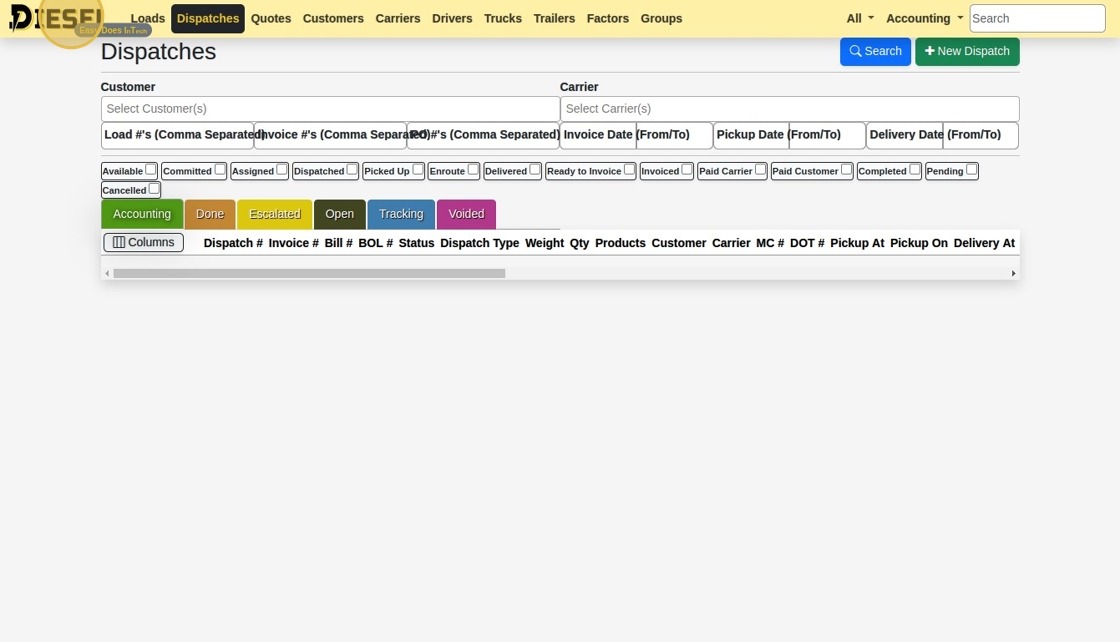
2. Click a few options on the Navbar
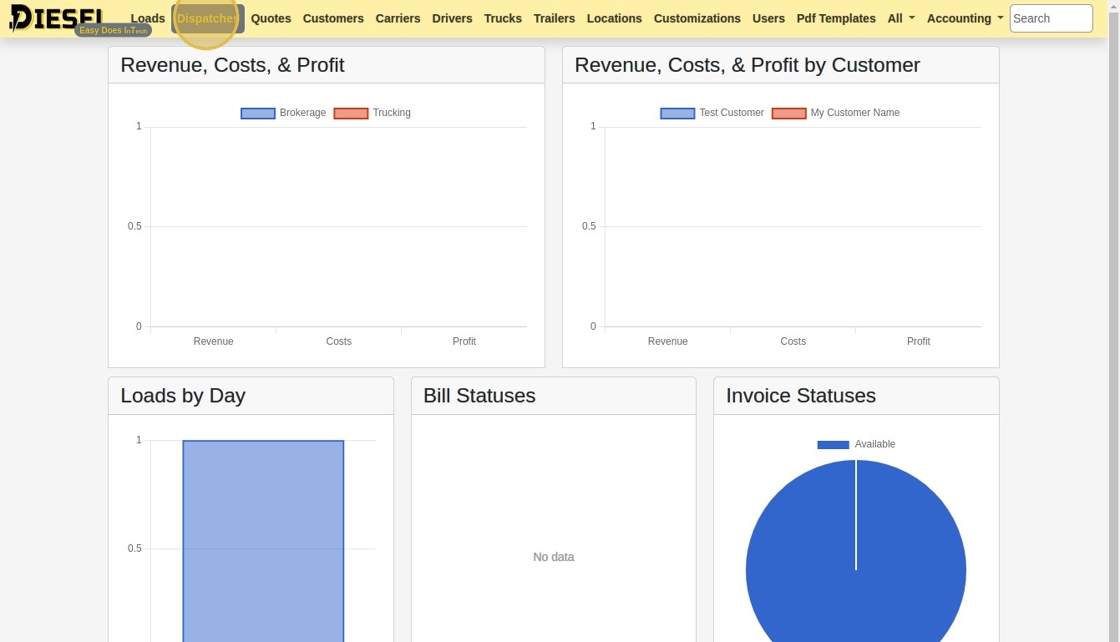
3. Click a few options on the Navbar
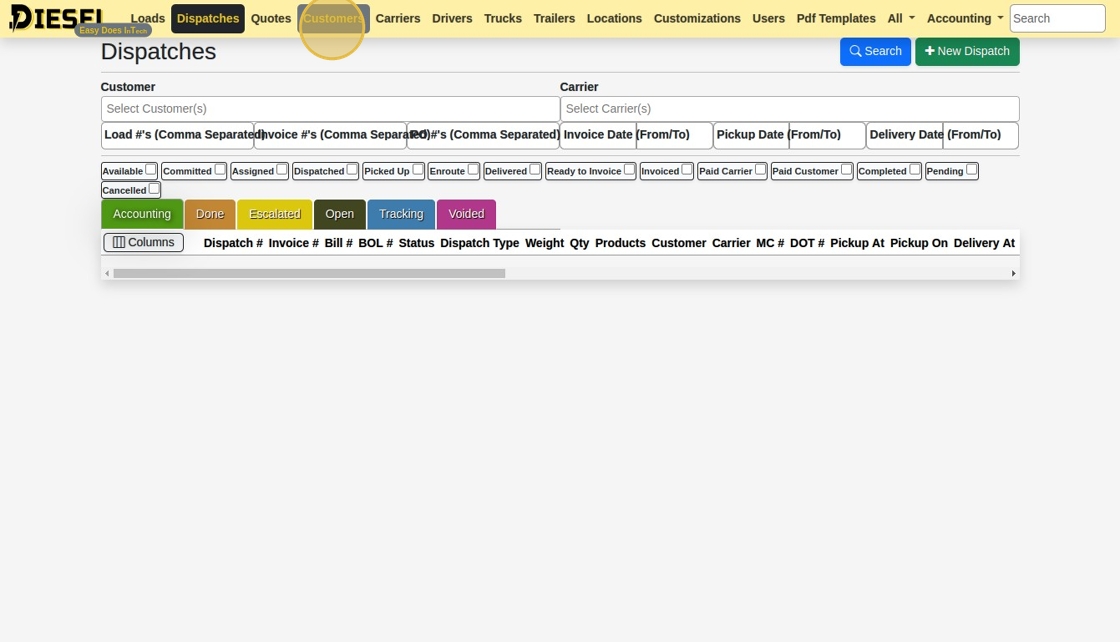
4. Single Click the Diesel Logo to go "Back" to the last page.
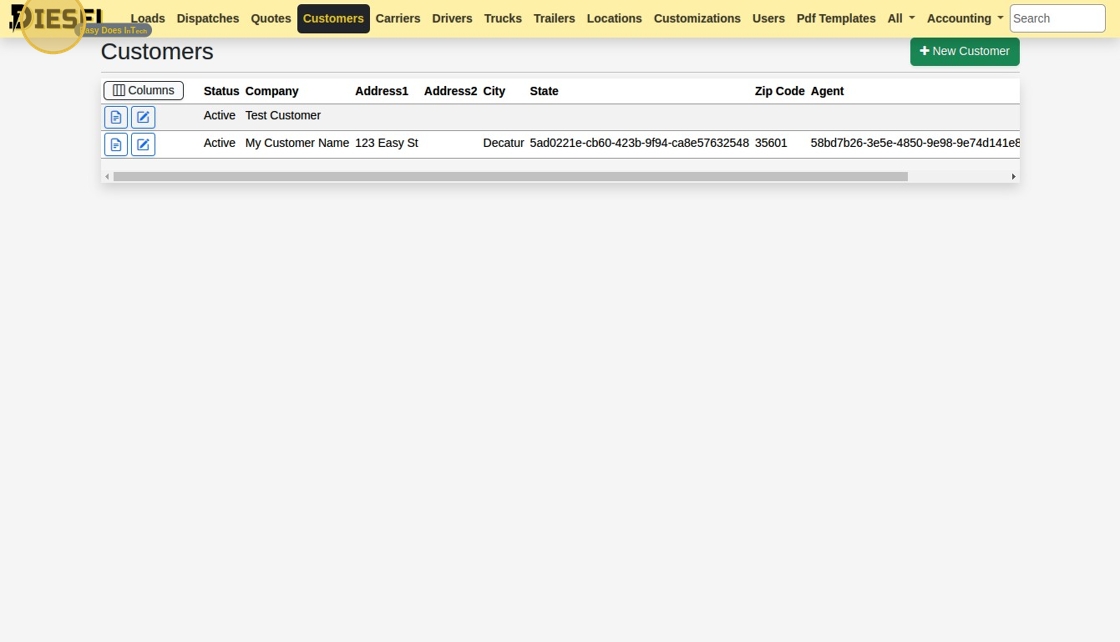
5. Double-click the Diesel Logo to go "Home"

6. Open "User Settings"
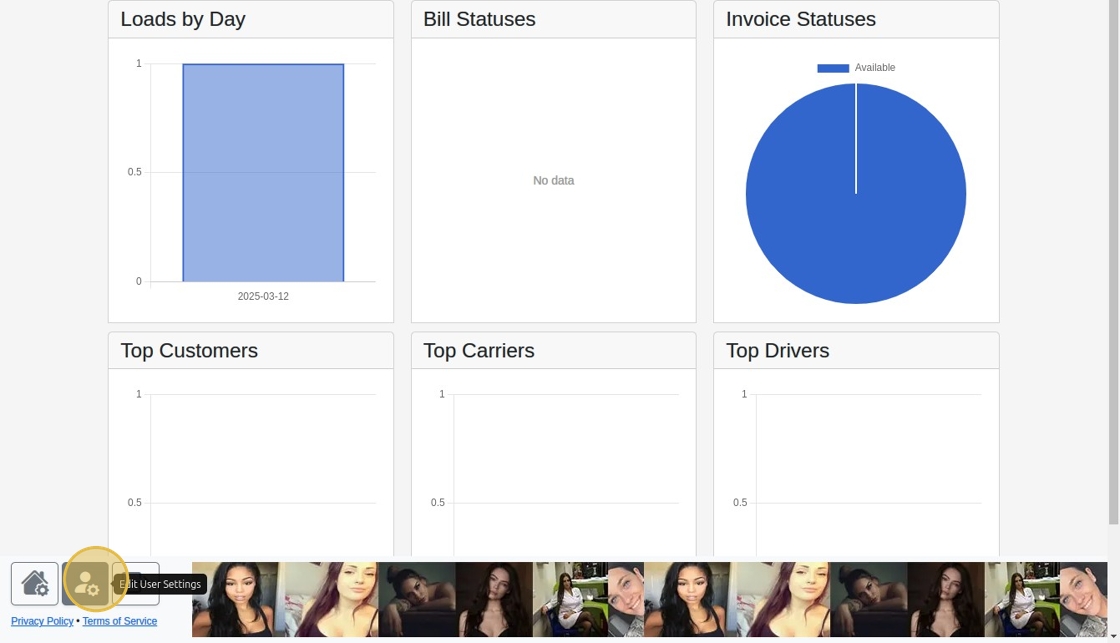
7. Notice that the Navbar Items options here correspond to the ones at the top of your screen.

8. Select / De-select a few options by clicking them.

9. Drag and Drop the items to another location to re-order them.

10. Click "Save"
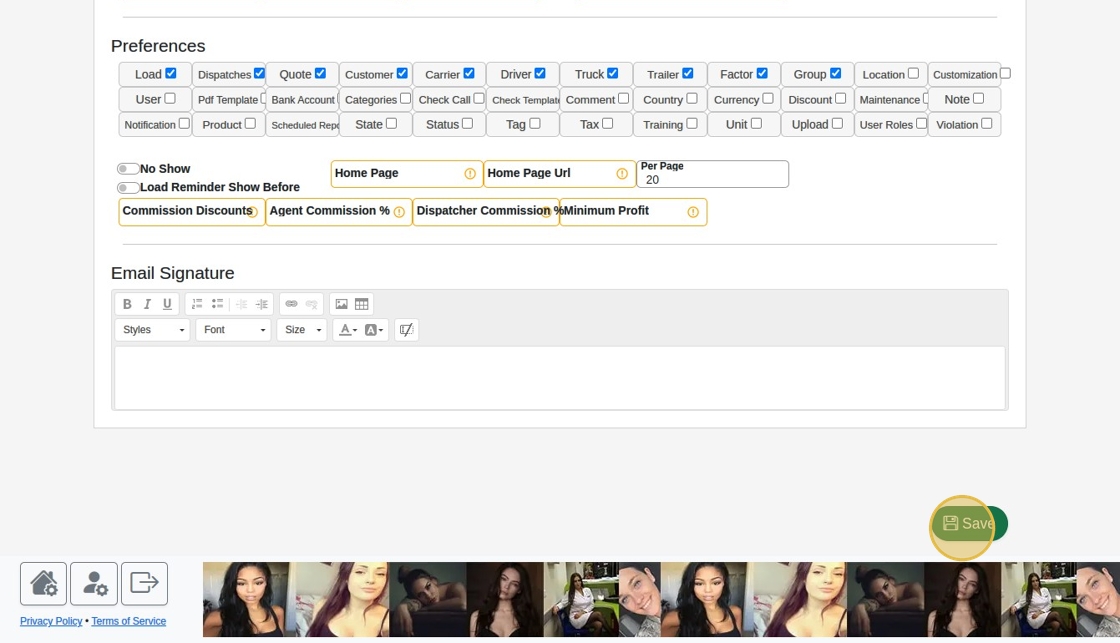
11. The Navbar is updated.

12. Double-click the Diesel logo again to go "Home"
Related Articles
Delivering Free TMS Solutions with Data Privacy in Mind
Delivering Free TMS Solutions with Data Privacy in Mind At Diesel TMS, our mission is to empower freight brokers, carriers, and shippers with a robust, cloud-based transportation management system—completely free of charge. We achieve this by ...How to White Label / Use Your Company Branding
How to White Label / Use Your Company Branding 1. Log in to Diesel TMS 2. Open Account Settings 3. Select & Upload your icon in the Icon file upload box. Tip: The dimensions will be scaled to 60x60, so make sure to use a square image! Also, only PNG ...Building a Load & Sending a Rate Con
Building a Load & Sending a Rate Con This guide offers a straightforward, step-by-step approach to building a load and sending a rate confirmation using Diesel TMS. 1. Navigate to https://dieseltms.com 2. Click "Loads" 3. Click "New" 4. Select a ...Sending, Receiving, and Signing a Signature Request / Onboard
Sending, Receiving, and Signing a Signature Request / Onboard 1. Navigate to https://dieseltms.com 2. Click "Log In" 3. Click "Onboards" 4. Click "New" 5. Select the "Rate Confirmation" option. Tip: You can design your own PDF Templates to use when ...Freight Broker / Carrier Cheat Sheet (Glossary of Common Truckload Terms)
3PL: Third-Party Logistics provider, a company that provides outsourced logistics services. Accessorial Charges: Additional fees for services beyond standard shipping, such as loading, unloading, or storage. Accounts Payable: Amounts a company owes ...