How to White Label / Use Your Company Branding
How to White Label / Use Your Company Branding
1. Log in to Diesel TMS

2. Open Account Settings
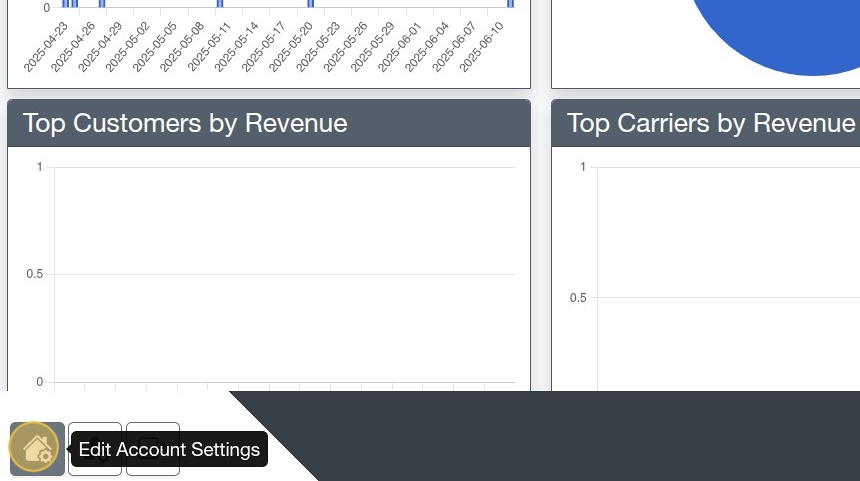
3. Select & Upload your icon in the Icon file upload box.
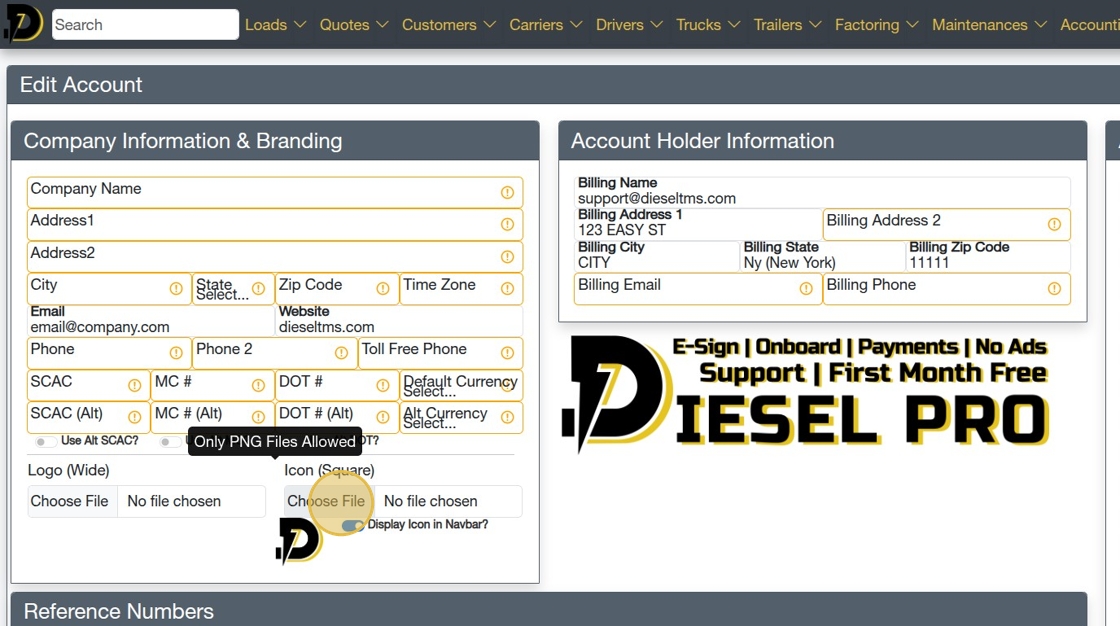
Tip: The dimensions will be scaled to 60x60, so make sure to use a square image!
Also, only PNG files are allowed at this time.
4. Click "Save Account Settings"
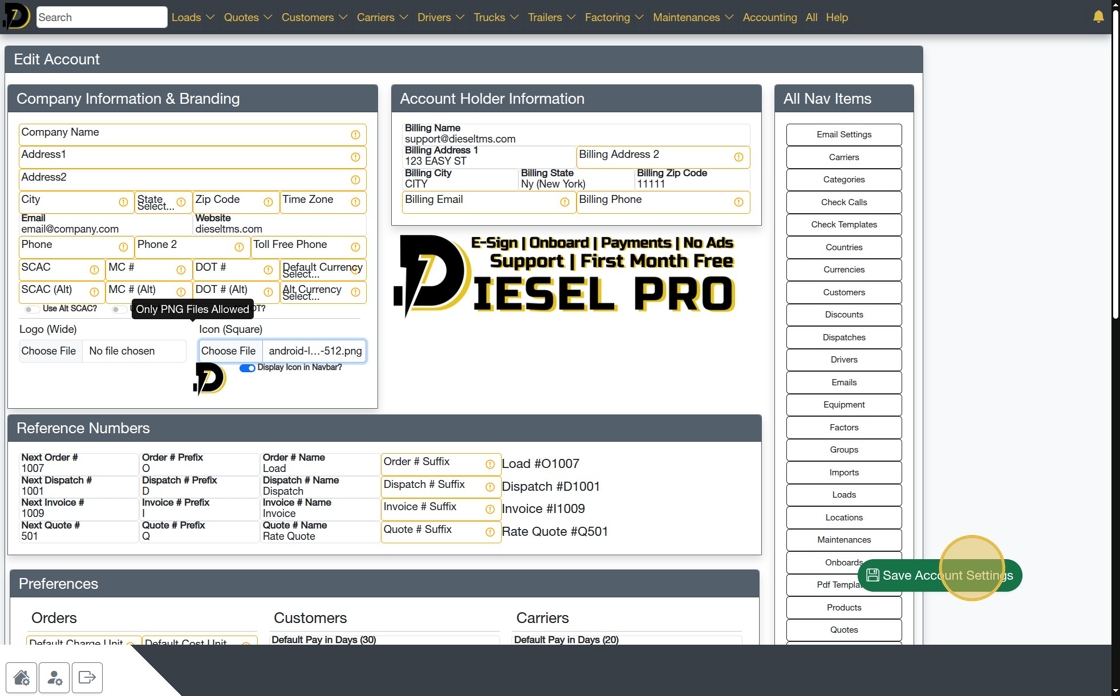
5. If the icon doesn't appear immediately, toggle the option for "Display Icon in Navbar" and click "Save Account Settings" again. (As shown below)

Tip: You may need to reload/refresh the page to see the icon.
6. It worked! Now, the icon is Gray. You can use any icon you want.

Tip: That's it! All done.
Related Articles
Delivering Free TMS Solutions with Data Privacy in Mind
Delivering Free TMS Solutions with Data Privacy in Mind At Diesel TMS, our mission is to empower freight brokers, carriers, and shippers with a robust, cloud-based transportation management system—completely free of charge. We achieve this by ...Introducing the One-Click 'Create Carrier' feature: Check it out!
Just a quick update to let everyone know about our latest tool. This one lets you create a Carrier from our Carrier Search tool (https://dieseltms.com/fmcsas) with one click! To use this feature, you must first have an account. (Sign up! It's free.) ...Freight Broker / Carrier Cheat Sheet (Glossary of Common Truckload Terms)
3PL: Third-Party Logistics provider, a company that provides outsourced logistics services. Accessorial Charges: Additional fees for services beyond standard shipping, such as loading, unloading, or storage. Accounts Payable: Amounts a company owes ...How to Perform Complex Searches
Searching the Load/Dispatch/Quote List 1. Navigate to https://dieseltms.com/loads 2. Click here to see dozens of examples of how to use the Search feature. 3. Clicking any of the examples will insert the value into the Search Field 4. You can combine ...Searching the Load/Dispatch/Quote List
Searching the Load/Dispatch/Quote List 1. Navigate to https://dieseltms.com/loads 2. Click here to see dozens of examples of how to use the Search feature. 3. Clicking any of the examples will insert the value into the Search Field 4. You can combine ...